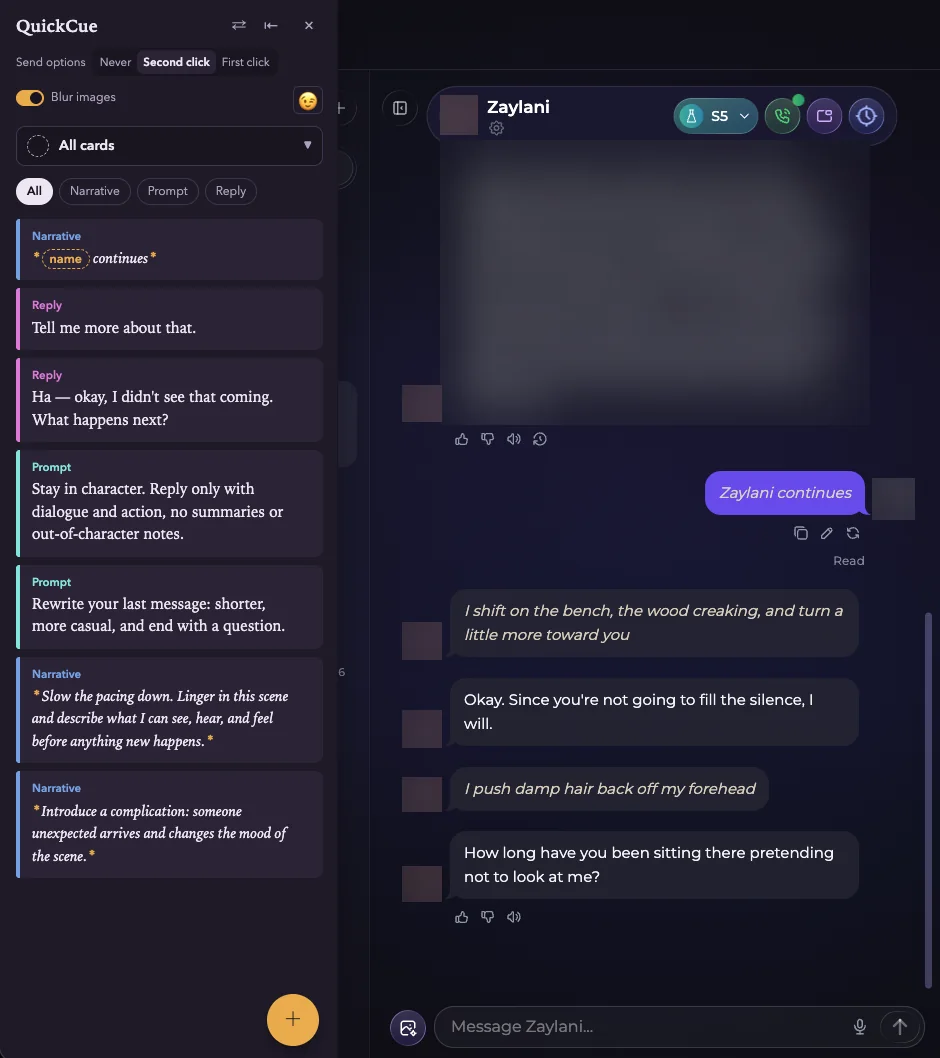
 QuickCue
Add to Chrome
Candy AI vs OurDream vs Secrets: a month-long comparison
Disclosure. The links to Candy AI, OurDream AI, and Secrets AI in this post are affiliate links. If you sign up through them I may earn a commission, at no extra cost to you. This post covers companion sites with adult content and is for readers 18 and older.
Try everything first
This space is still early, and it's already spilling past simple companion chat into RPG-style roleplay and even novel-length storytelling. Before anything else: try every platform yourself. That's true as general advice, and it's doubly true if you're reading this through an affiliate link, because the right platform depends on what you want out of it.
I spent about a month running the premium tier of three platforms (Candy AI, OurDream AI, and Secrets AI) in that order, then circled back to Candy after an update cycle to see if anything had changed. It hadn't changed enough. Here's how they stack up across the four things that actually matter: how easy they are to get into, whether the content stays fresh, how well they remember your conversation, and whether what you create is worth keeping.
| Candy AI | OurDream AI | Secrets AI | |
|---|---|---|---|
| Getting in the door | Easiest | In between | Steepest learning curve |
| Fresh vs stale | Repetitive | Wider range | Most consistently fresh |
| Memory | Holds up best | Breaks down fastest | Drifts later, less severely |
| Worth keeping | No downloads | Quality not there | Easy downloads, editable |
Getting in the door
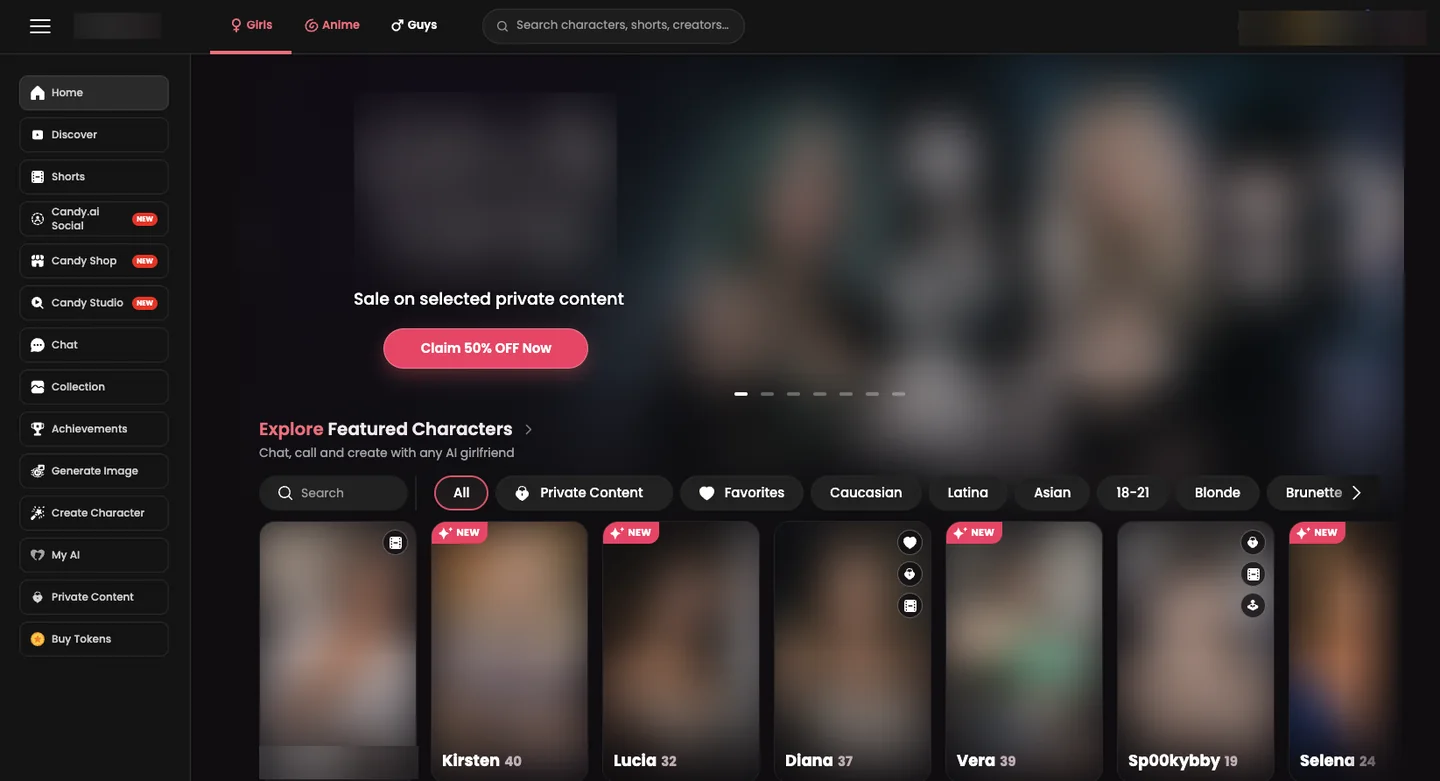
Candy AI wins this one outright. Its interface borrows straight from the social-media and content-creator apps everyone already knows, so there's nothing to learn. It leans on marketing and creators lending their likeness as a draw, though in practice that angle wears off fast. It's not what makes anyone stay.
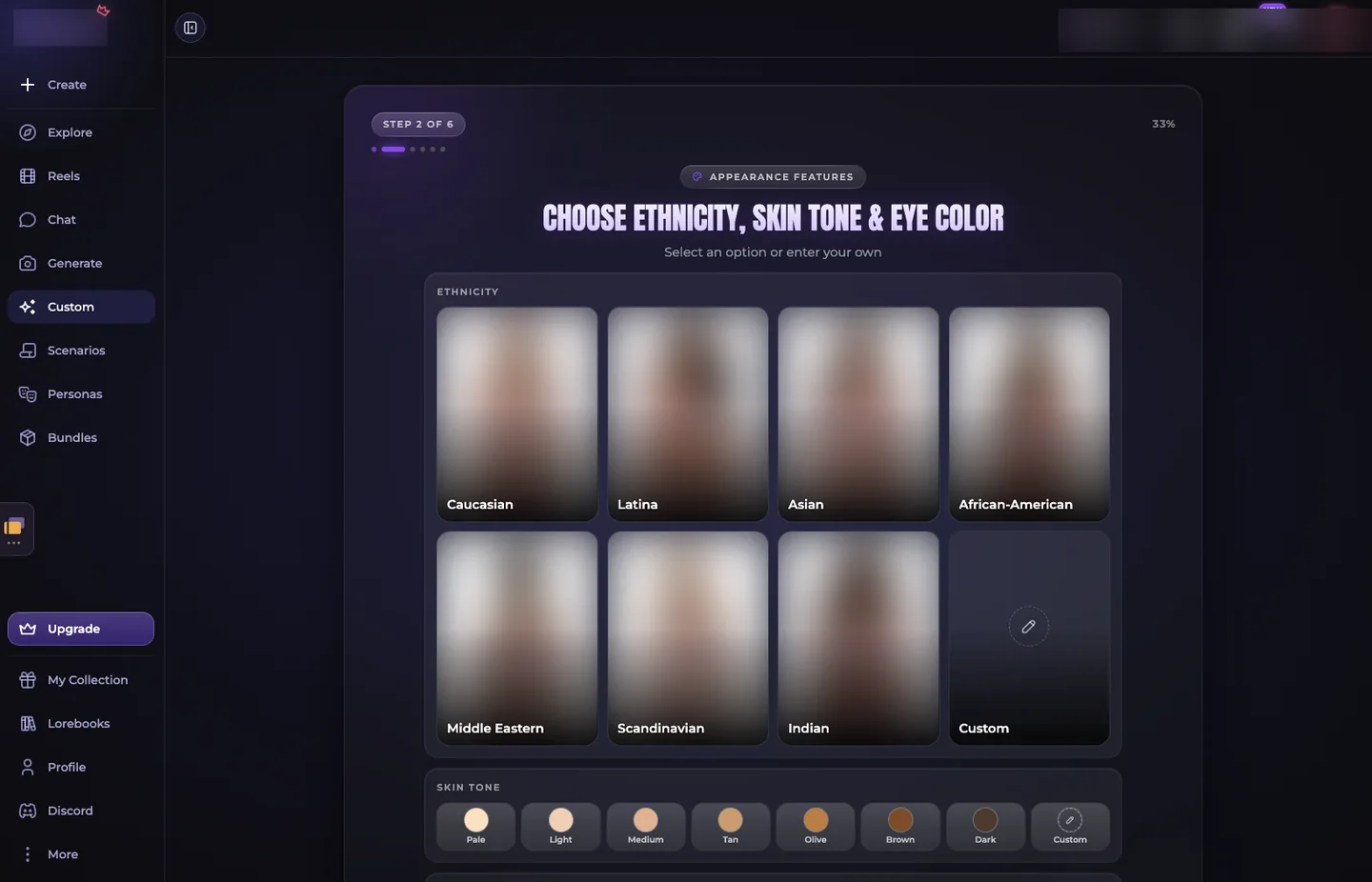
Secrets AI is the opposite experience at first: a real learning curve around personas, lore books, and world-building settings before it clicks. Spend credits there before you understand the system and you'll burn through them fast. OurDream AI sits in between. It's approachable enough to start, but its heavy, text-forward format takes it out of casual-use territory and into something closer to reading a novel.
Fresh versus stale
Candy AI's biggest weakness is how hard it leans on a narrow set of taboo framings (stepmom, stepsister, and variations on the family theme) and how often characters restate that framing mid-conversation, as if reminding you of it. Once you notice the pattern, every new character starts to feel like the same character.
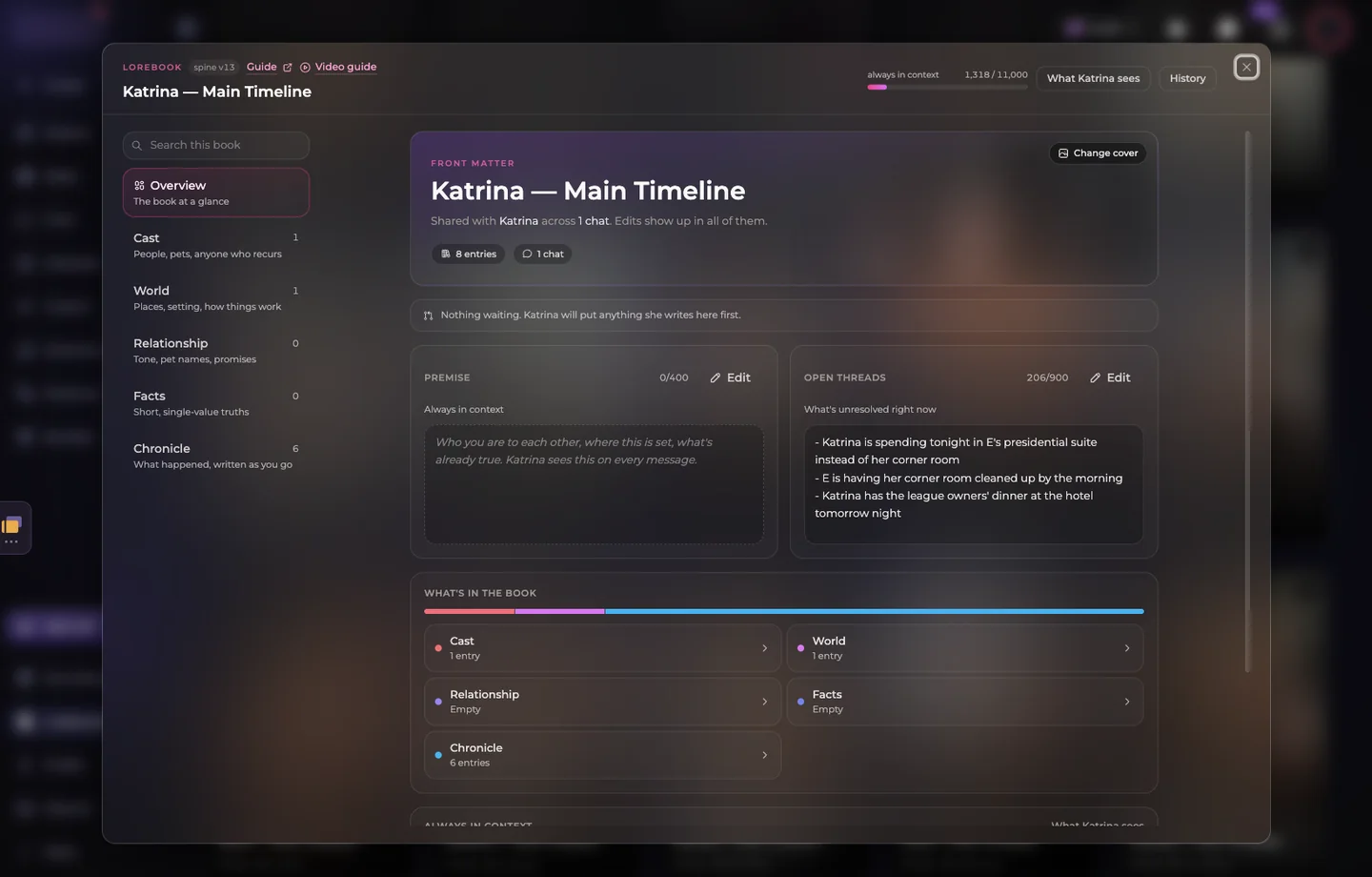
Secrets AI avoids this almost entirely. Its lore books let you set location, age, and backstory per character, and a large share of the roster comes from a community that builds and shares its own companions, so the variety compounds over time instead of staying fixed to whatever the platform ships. OurDream AI also draws on community-created characters and situations, with a wider range of scenarios than Candy, but Secrets is the more accessible and more consistently fresh of the two.
Does it remember you
All three lose the thread eventually in long sessions. That seems to be a shared limitation across the category right now, not a flaw unique to any one platform. The difference is how soon it shows up and how badly.
Candy AI's memory actually holds up the best technically, but that strength is undercut by the repetitiveness above. If the conversation isn't going anywhere new, good memory doesn't matter much. OurDream AI was the one that broke down fastest and most noticeably, mixing up who said what between me and the character after a relatively short stretch. Secrets AI drifts too after heavy, extended use, but noticeably later and less severely than OurDream.
What your credits actually buy
Value here isn't just price per credit. It's whether what you generate is something you'll actually want to keep. On that measure, Secrets AI comes out ahead: the images, photo sets, and videos it generates tend to be worth saving, and the platform makes that easy with a clear, prominent download button that actively encourages you to walk away with your content. It also lets you edit any generated photo directly, so a flawed result doesn't mean wasted credits.

Candy AI sometimes tempted me into unlocking creator content on impulse, only to find it wasn't worth the credits in hindsight, and there's no way to download what you do create. OurDream AI allows downloads and edits too, but the underlying content quality isn't there; I never once felt like saving the audio, photo, or video it produced. Net result: credits spent on Secrets feel better spent.
The verdict
After a month across all three, Secrets AI is the pick. The character creation tools are robust without eating credits, persona and lore-book depth makes every companion feel distinct rather than recycled, and it's genuinely the platform where I felt most immersed. Candy AI remains the best on-ramp for someone brand new to this category: familiar, easy, nothing to learn. OurDream AI is worth a look specifically if you're a heavy reader who wants long-form, novel-style immersion over quick, casual sessions.
The tradeoff is that Secrets rewards setup effort. Getting the most from it, and avoiding the credit waste that comes from skipping persona and character setup, deserves its own full walkthrough, and it now has one: a practical guide to configuring Secrets AI properly from the start, including how a tool like QuickCue can help keep a scene's momentum going without typing out every reply yourself.